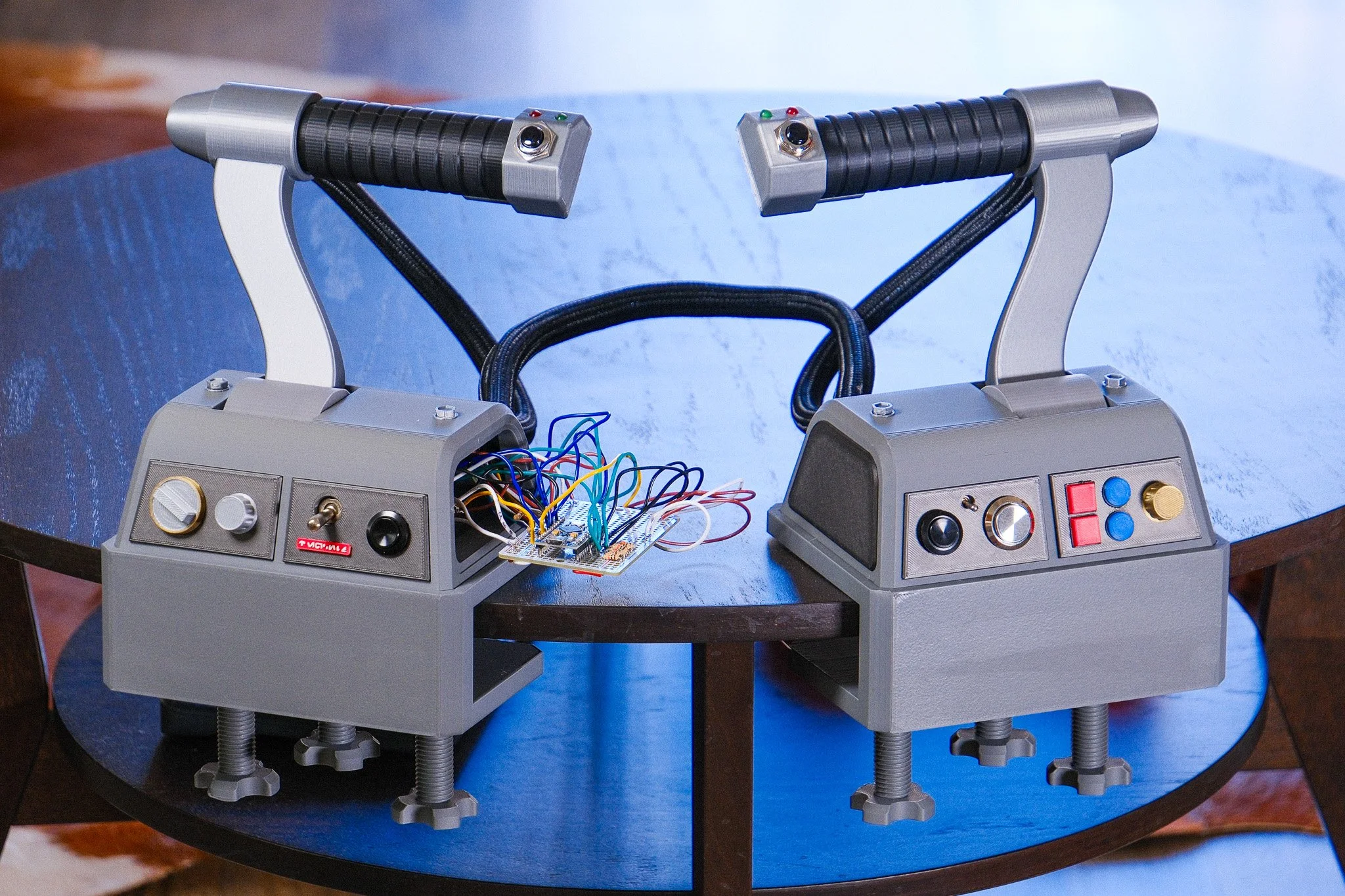
 Image 1 of 2
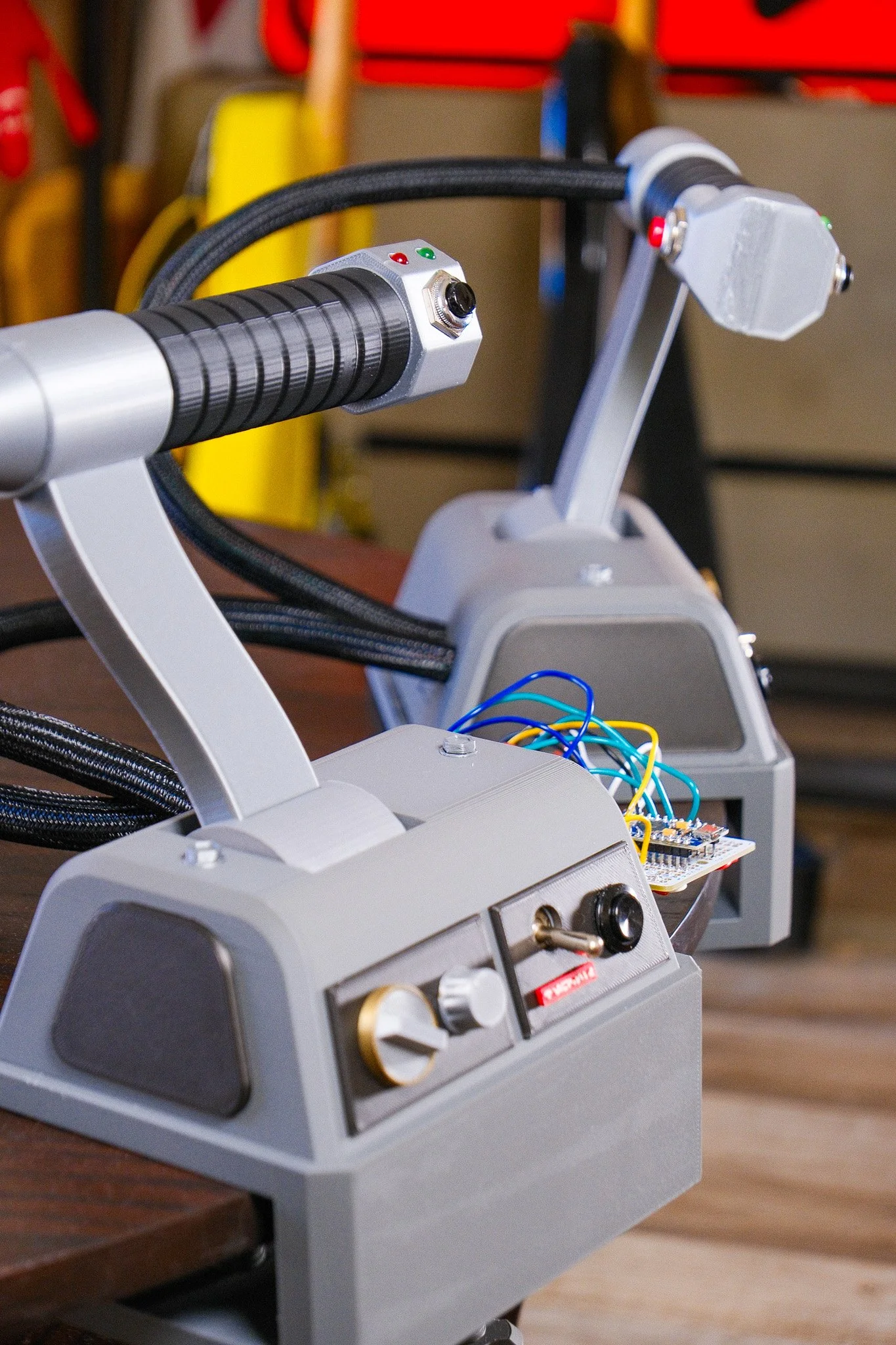 Image 2 of 2
How it works
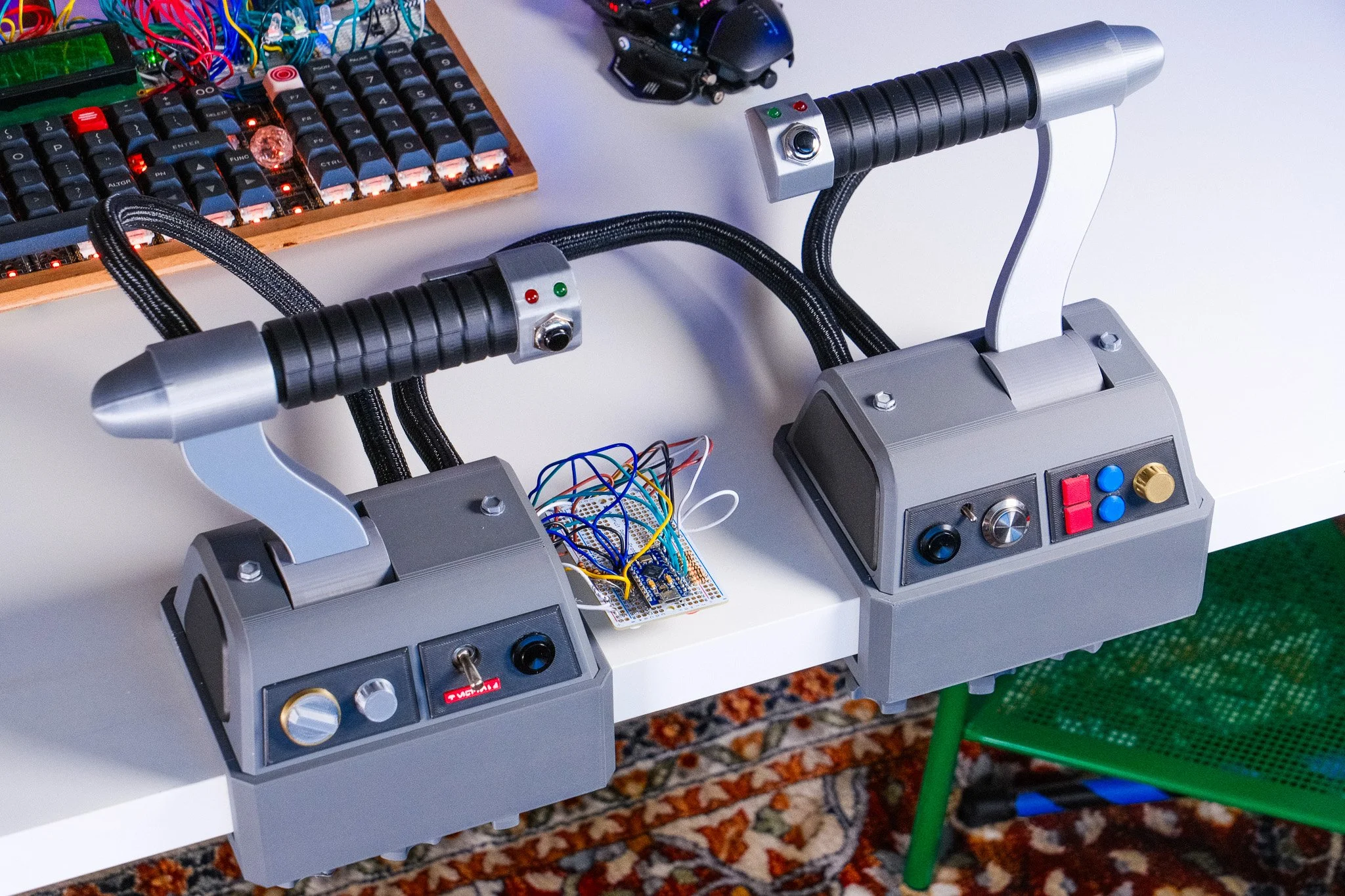
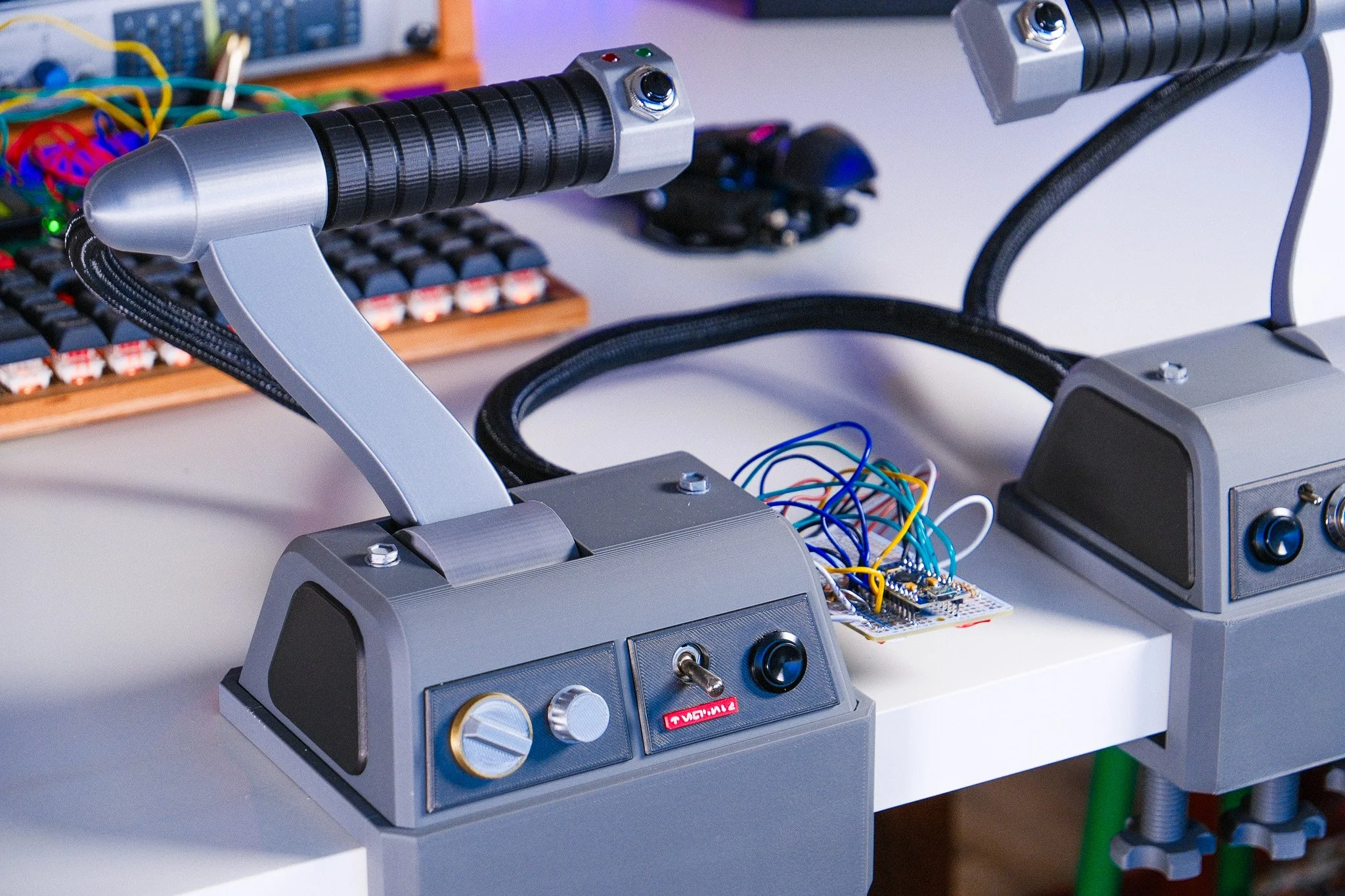
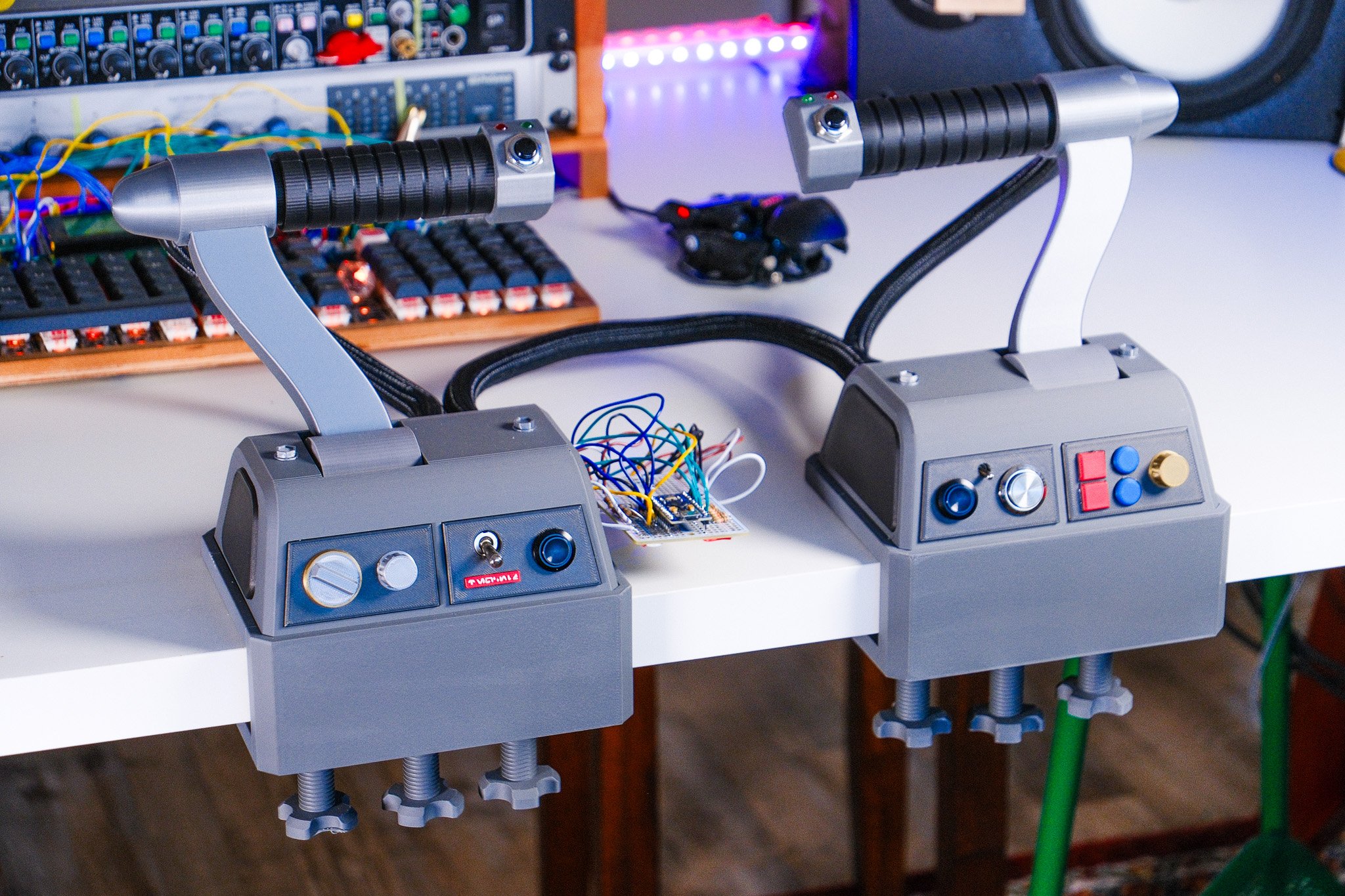
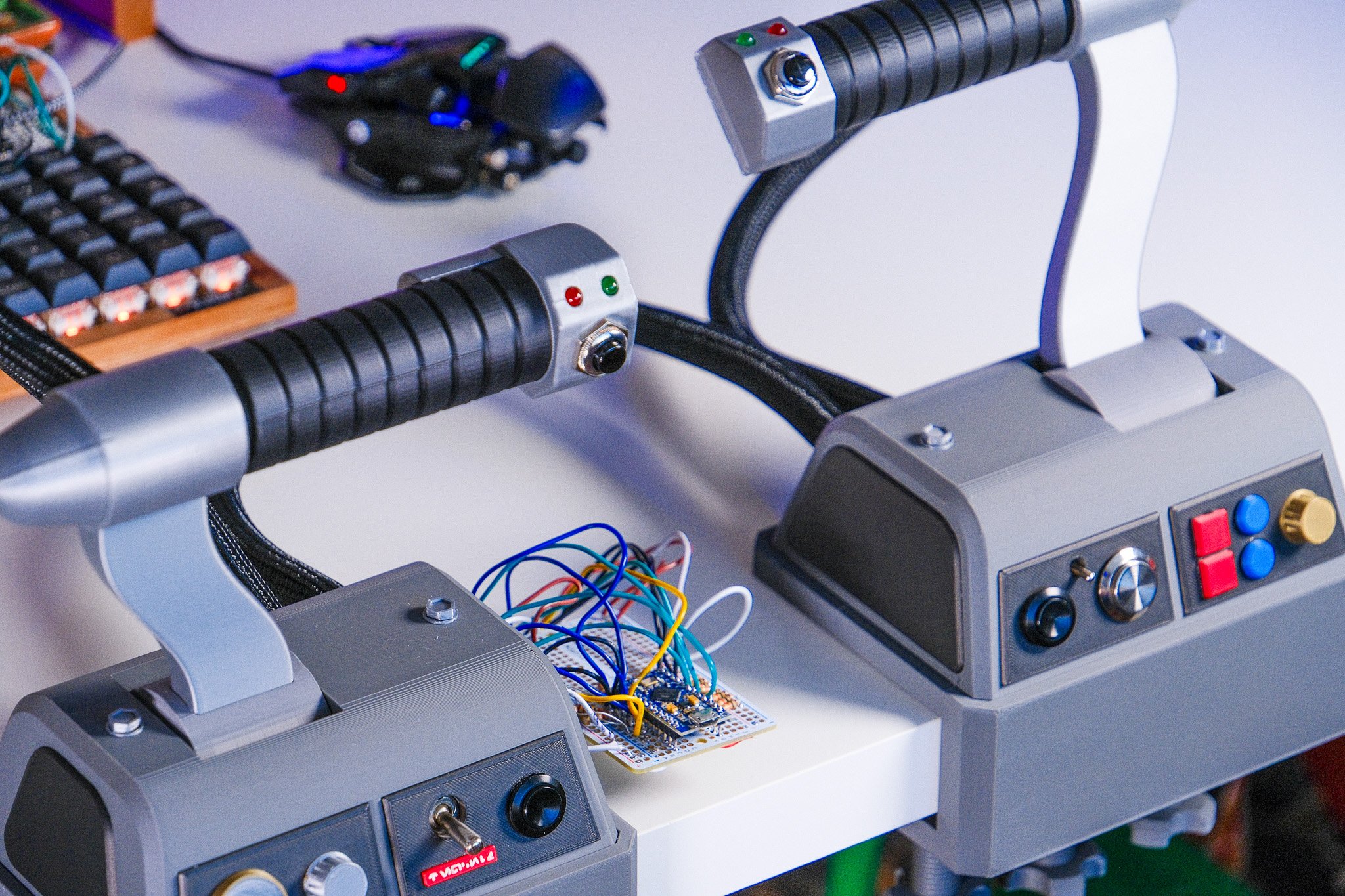
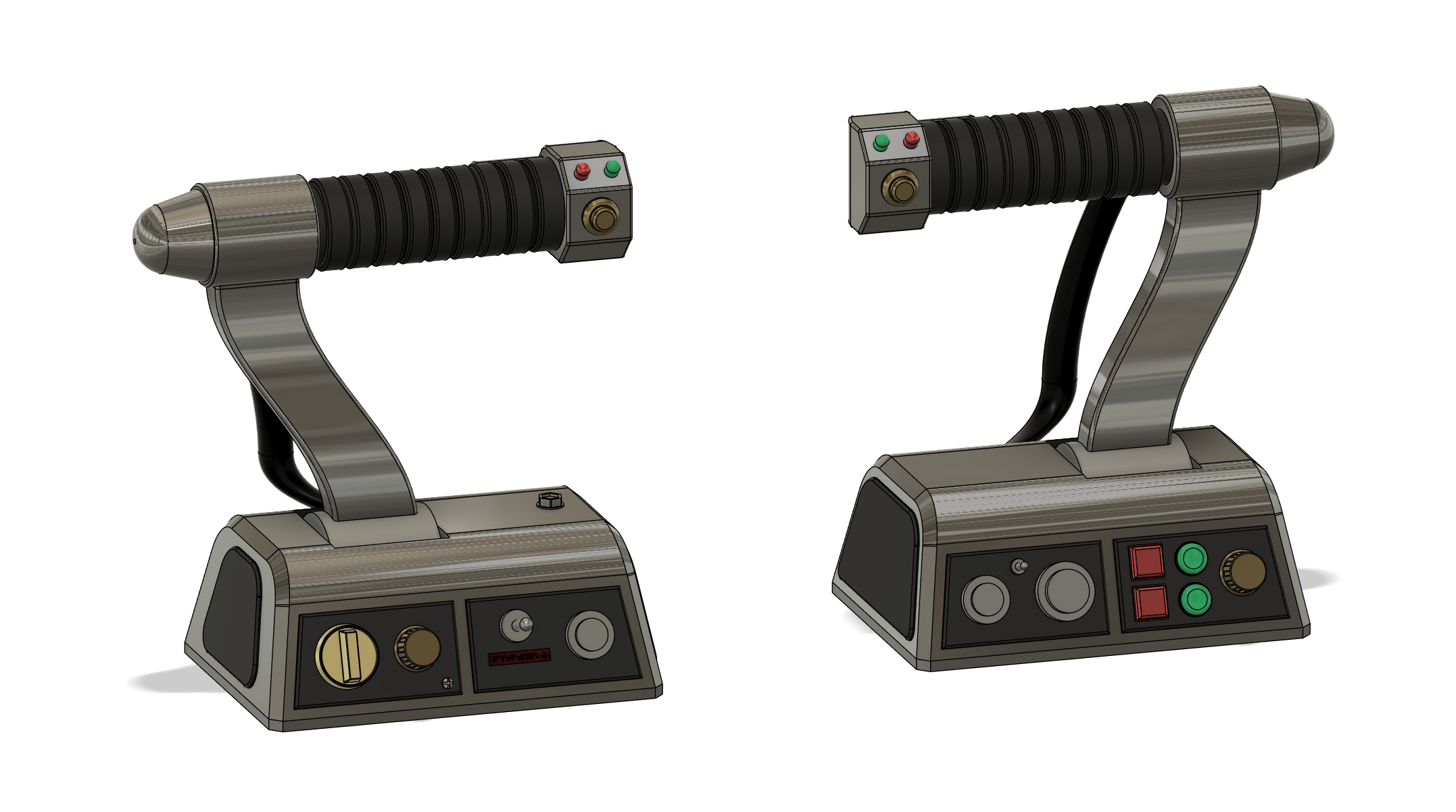
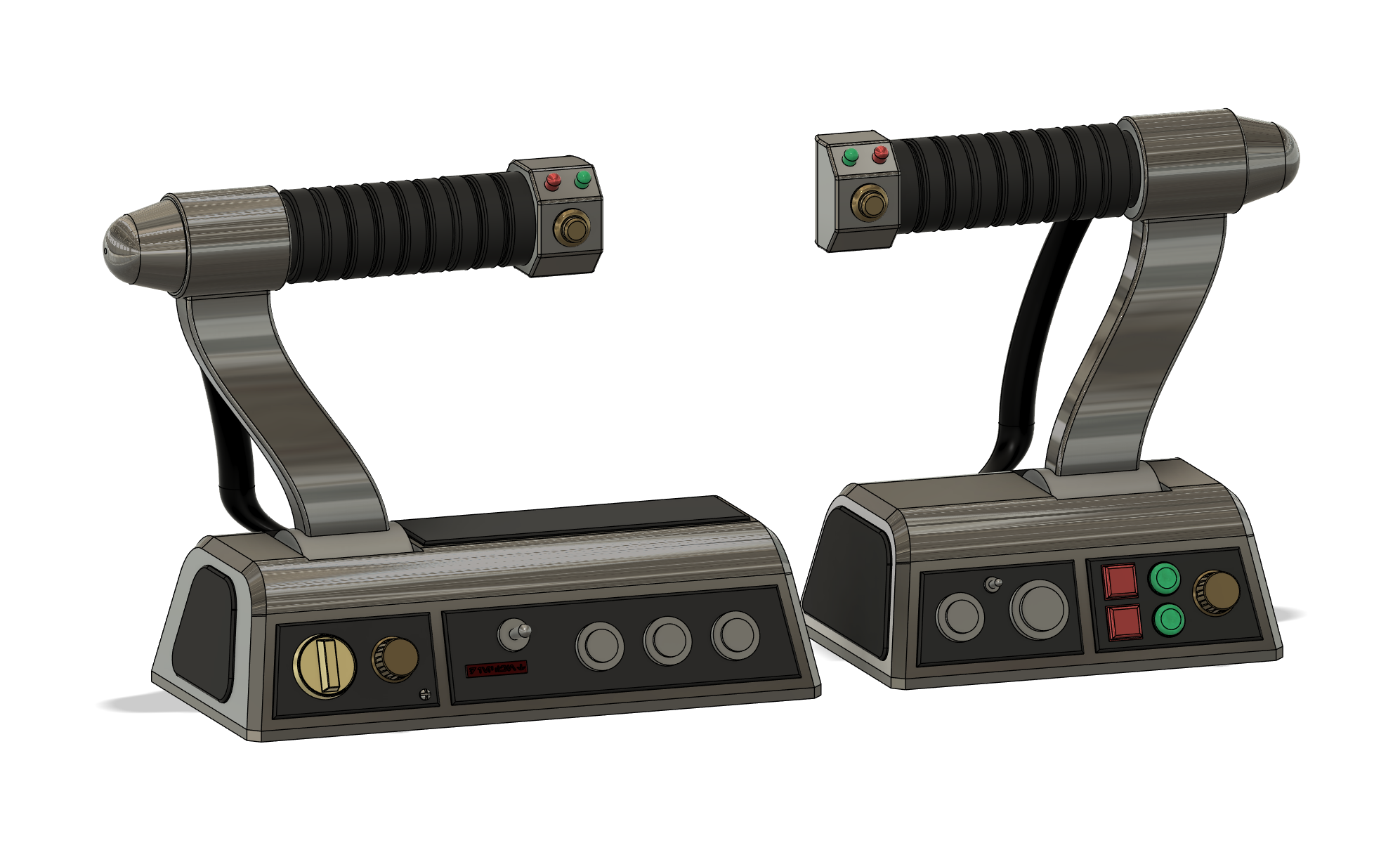
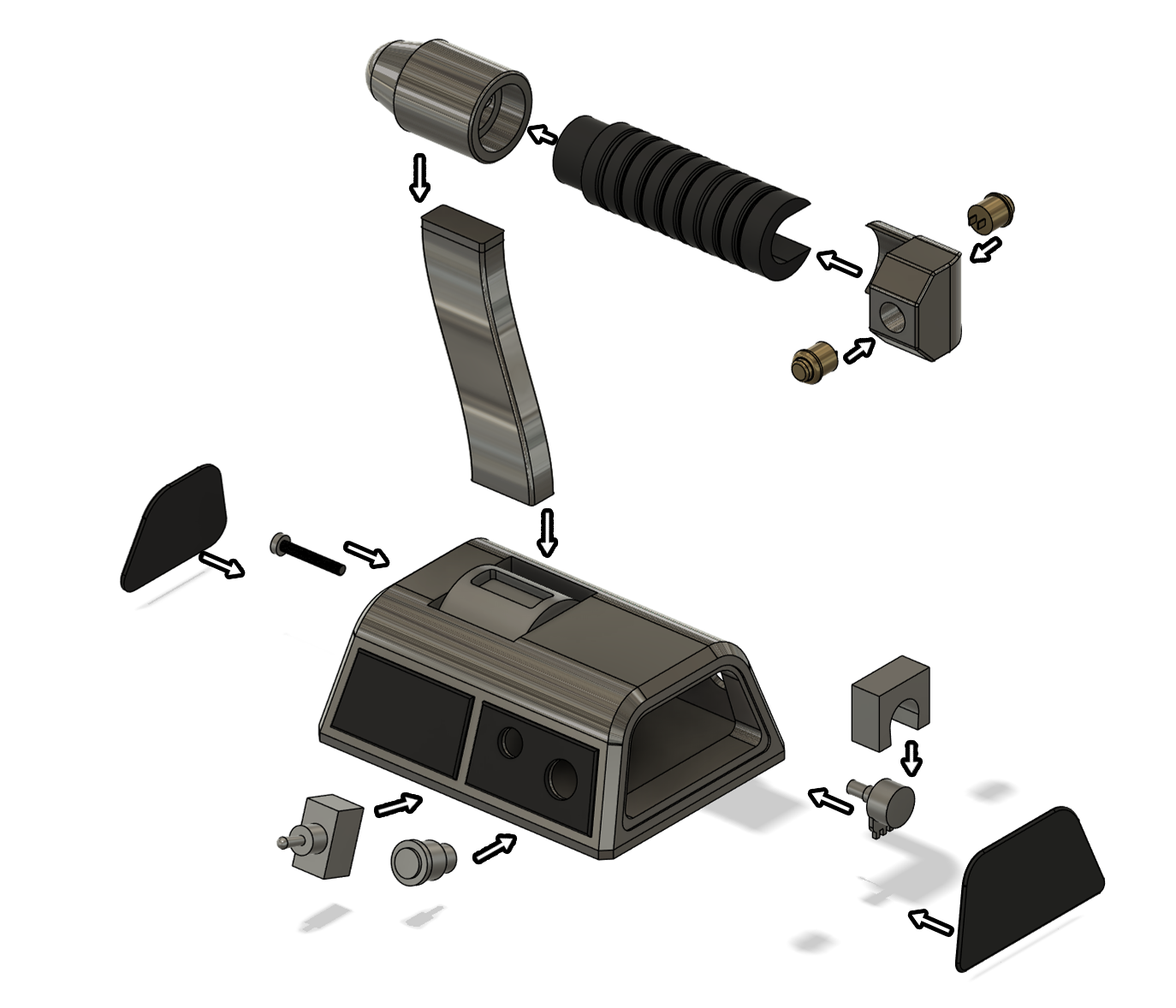
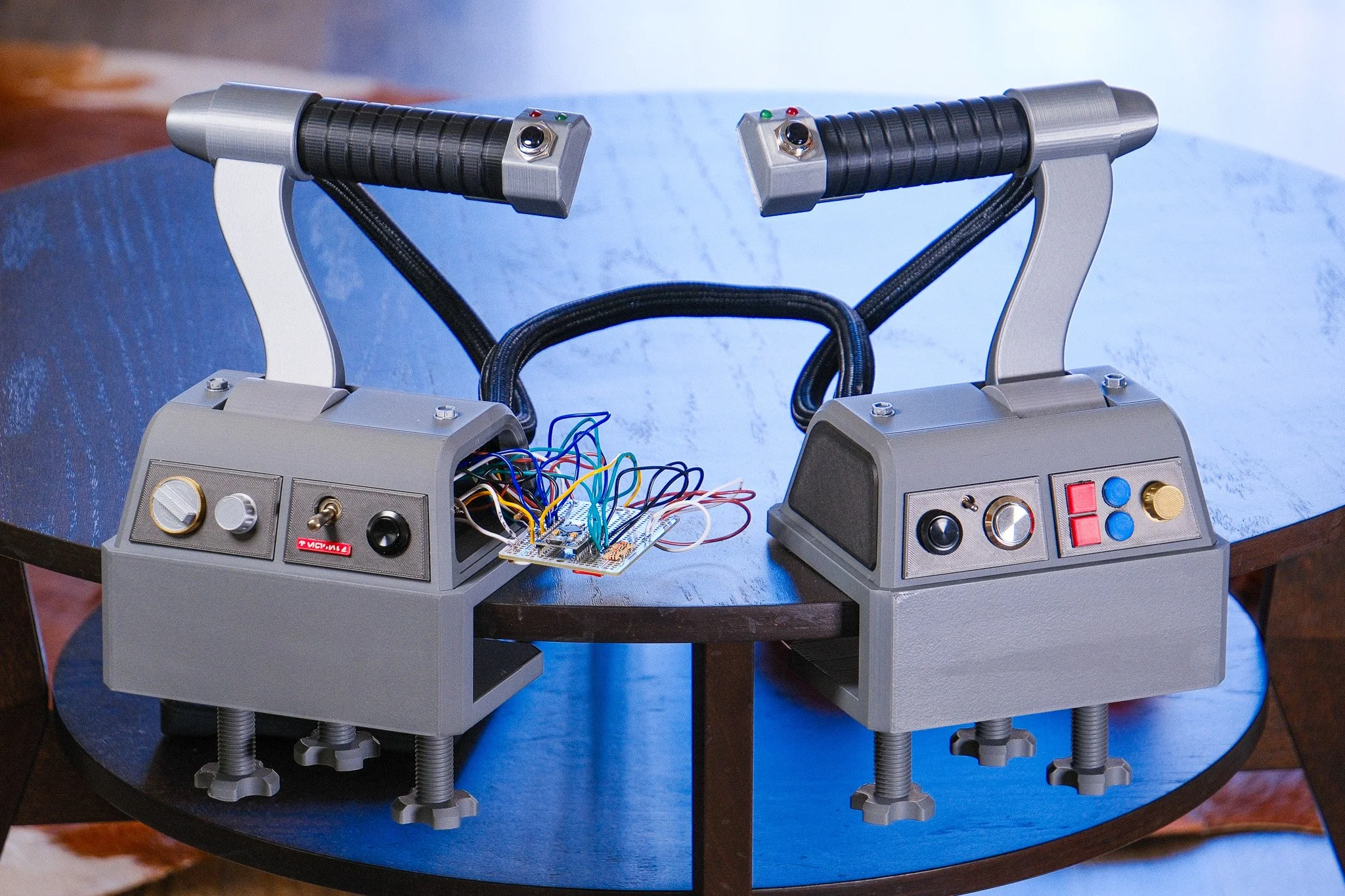
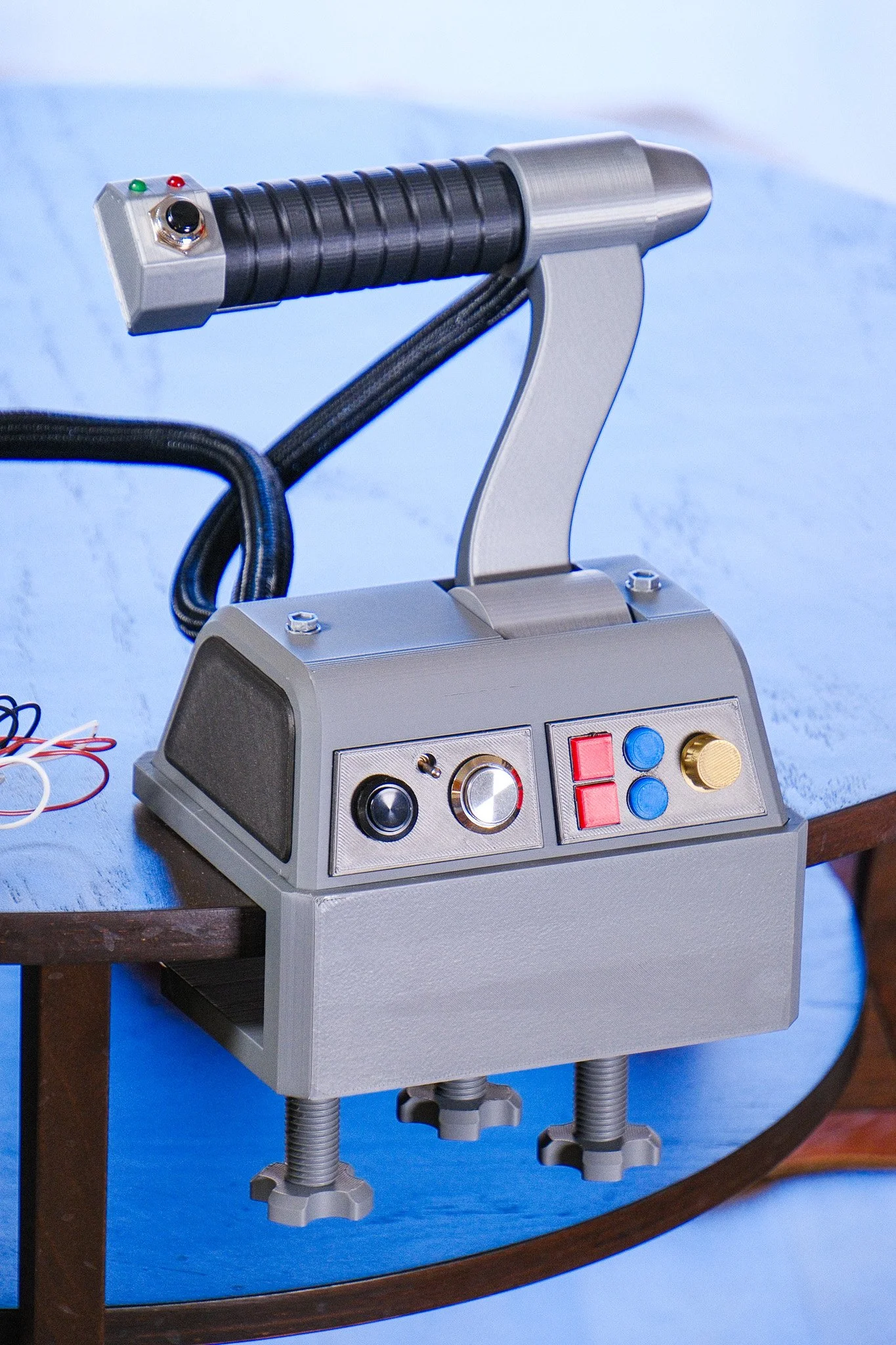
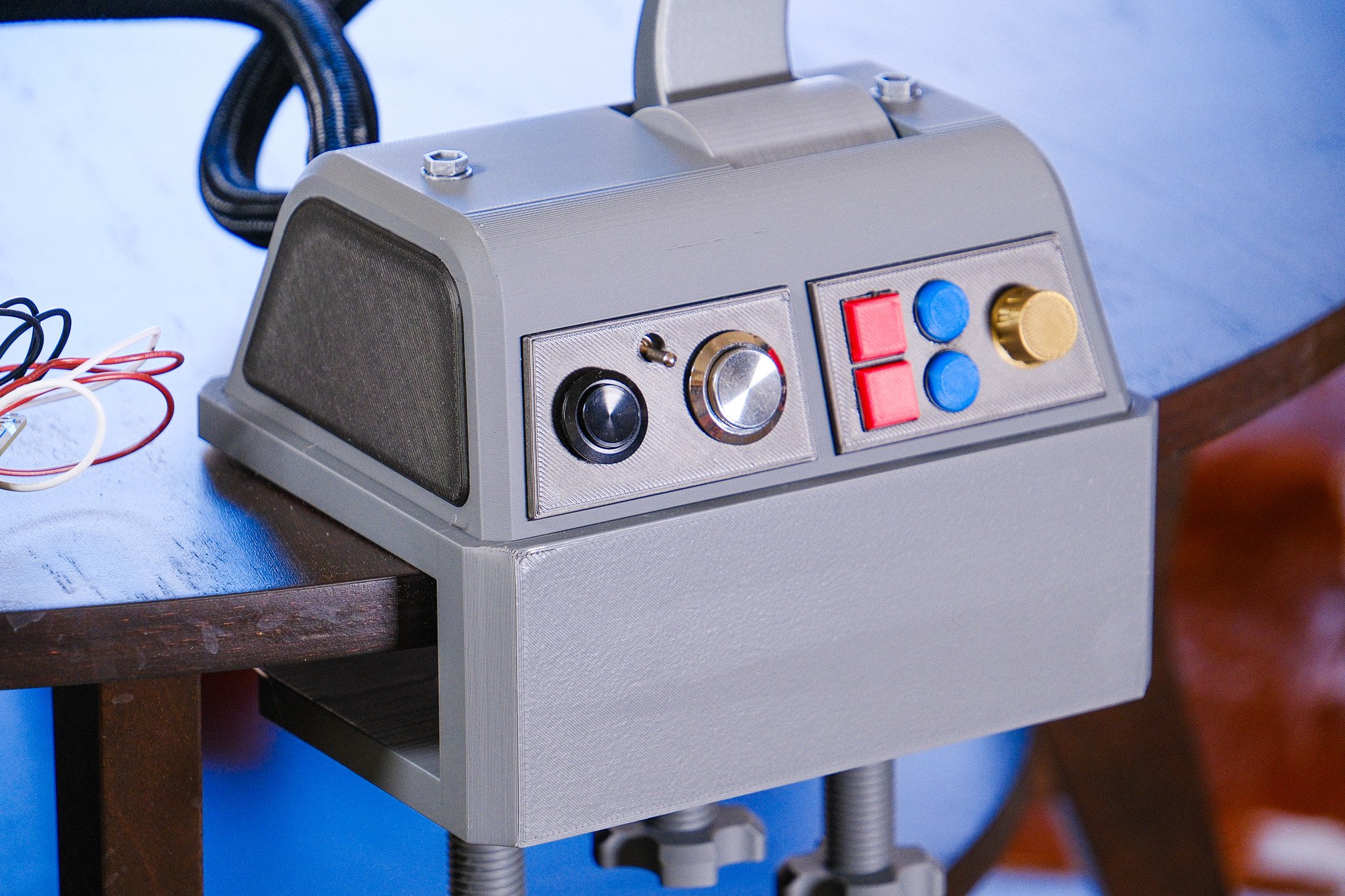
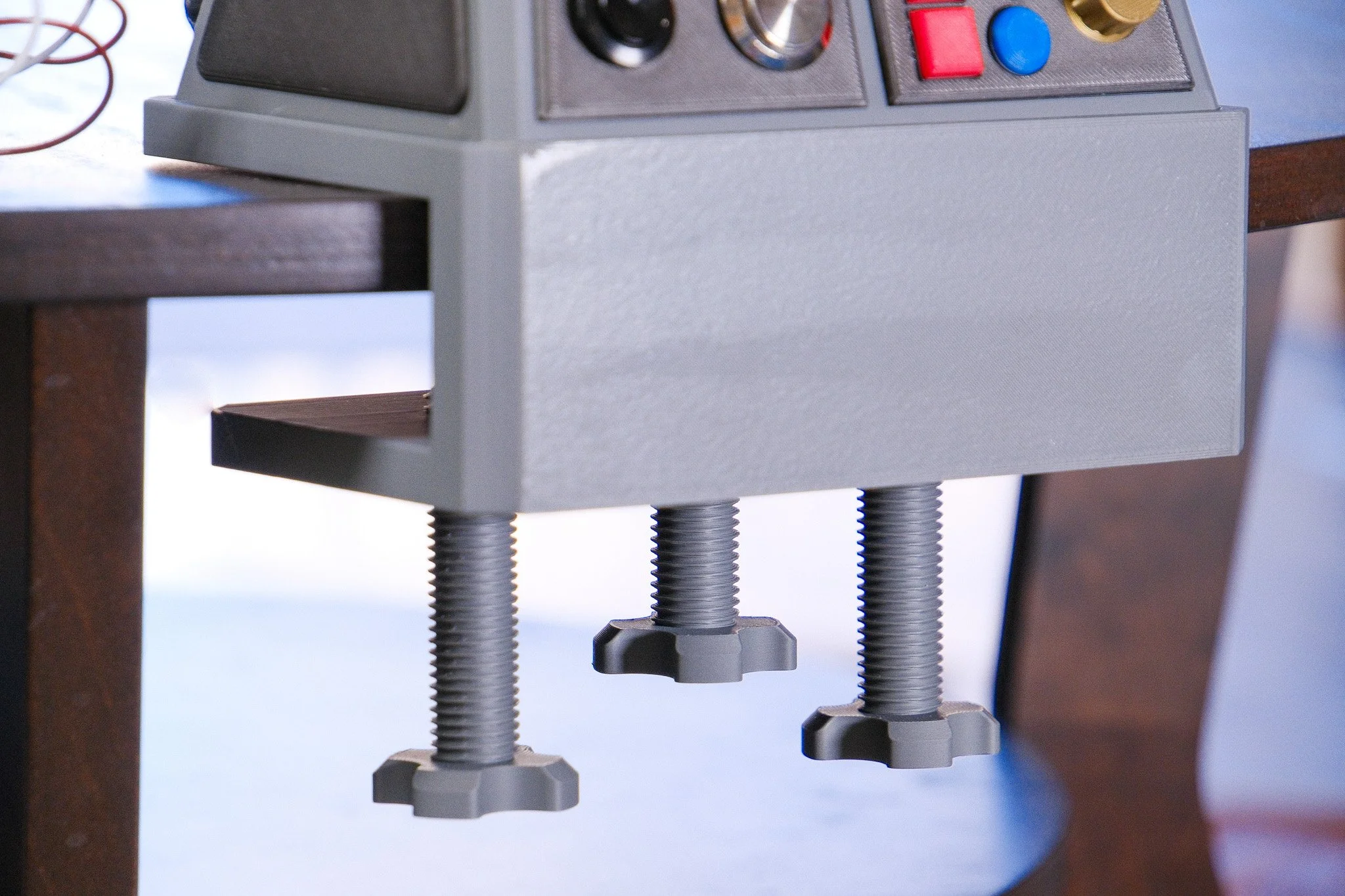
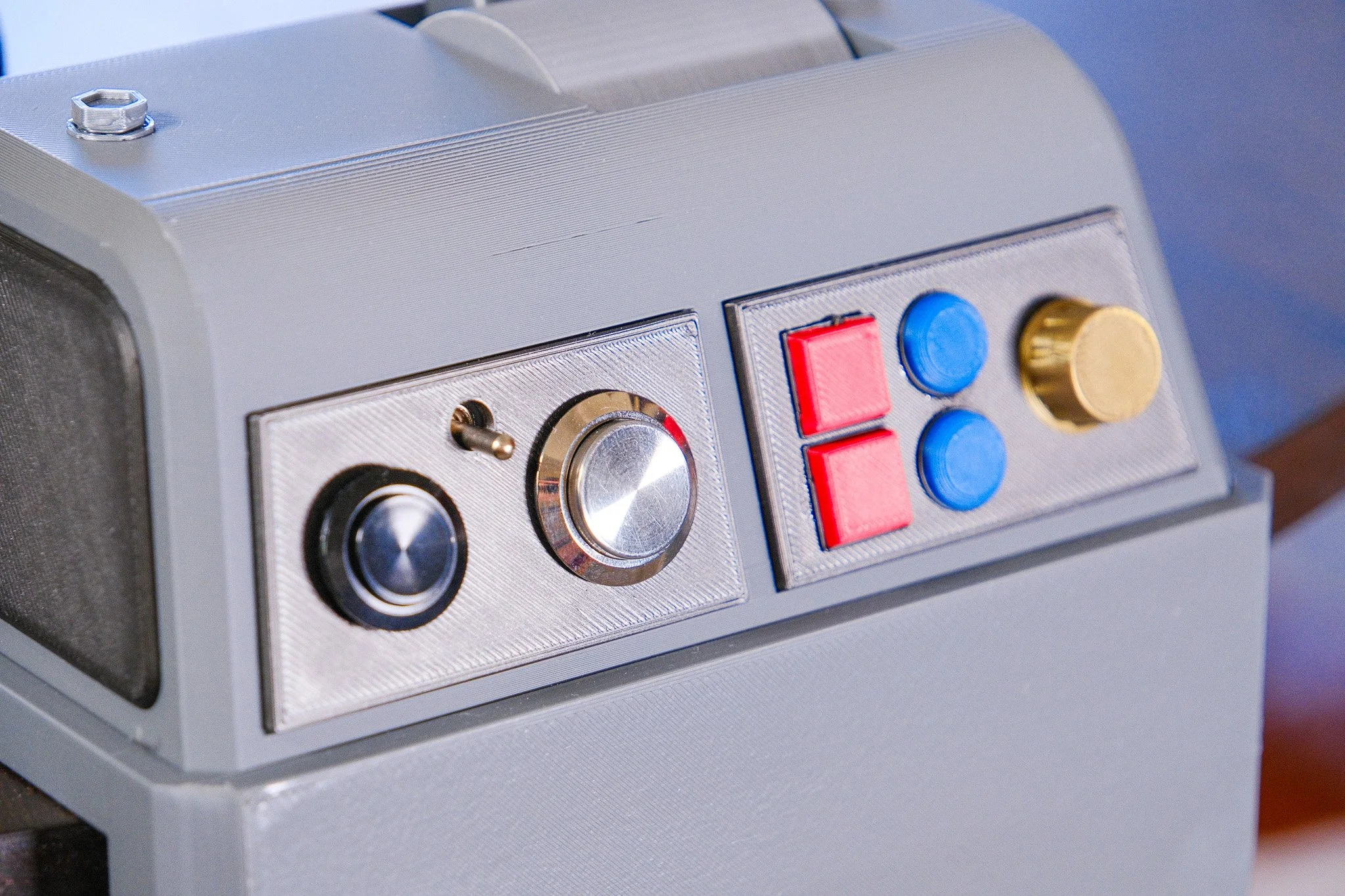
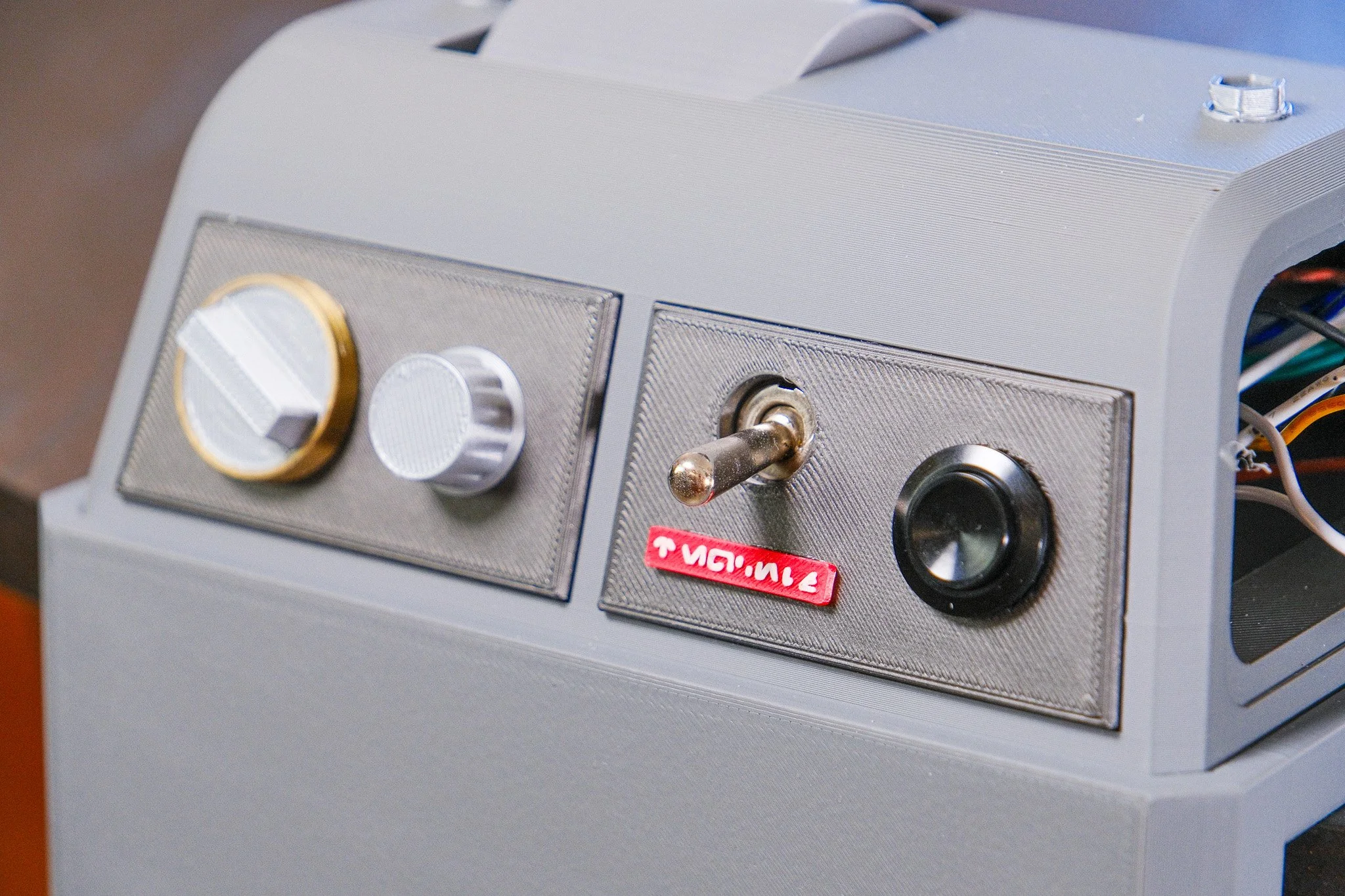
Two independently moving handles provide analog control through potentiometers. Buttons send keyboard inputs, and the toggle switches hold their assigned key while ON and release it when OFF. These send input signals to Star Wars Galactic Racer, or any racing or sim game you want to set this controller up for.
I built my setup around the JaffaQuake HOSAS/HOTAS Binder. This build would not be possible without it, and software compatibility with the game relies on it. The guide covers the supporting software, build, and setup needed to get the controller working.
Before you buy
This is a digital DIY file set. No assembled controller, printed parts, electronics, physical items, or game are included.
You’ll need:
A 3D printer and filament.
A compatible USB HID microcontroller, such as the ATmega32U4 Pro Micro I used. Alternatives include the Teensy 4, the Arduino Leonardo or the Arduino Micro.
Potentiometers, buttons, switches, wiring, resistors, and the other supplies listed in the parts guide.
A soldering iron, solder, and basic assembly tools.
You need the Arduino IDE installed for uploading the code and configuring the controls.
Soldering, wiring, assembly, and software configuration are required. You don’t need to design the electronics or write the code from scratch, but you should be comfortable following wiring instructions and making adjustments for your build. The STL files can be used with any printer but the included 3MF projects are intended for Bambu Studio with Bambu printers. You only need a standard 250mm x 250mm bed size, but check printer compatibility and settings before starting. Print it, build it, race it. Scrib doon, wermo!
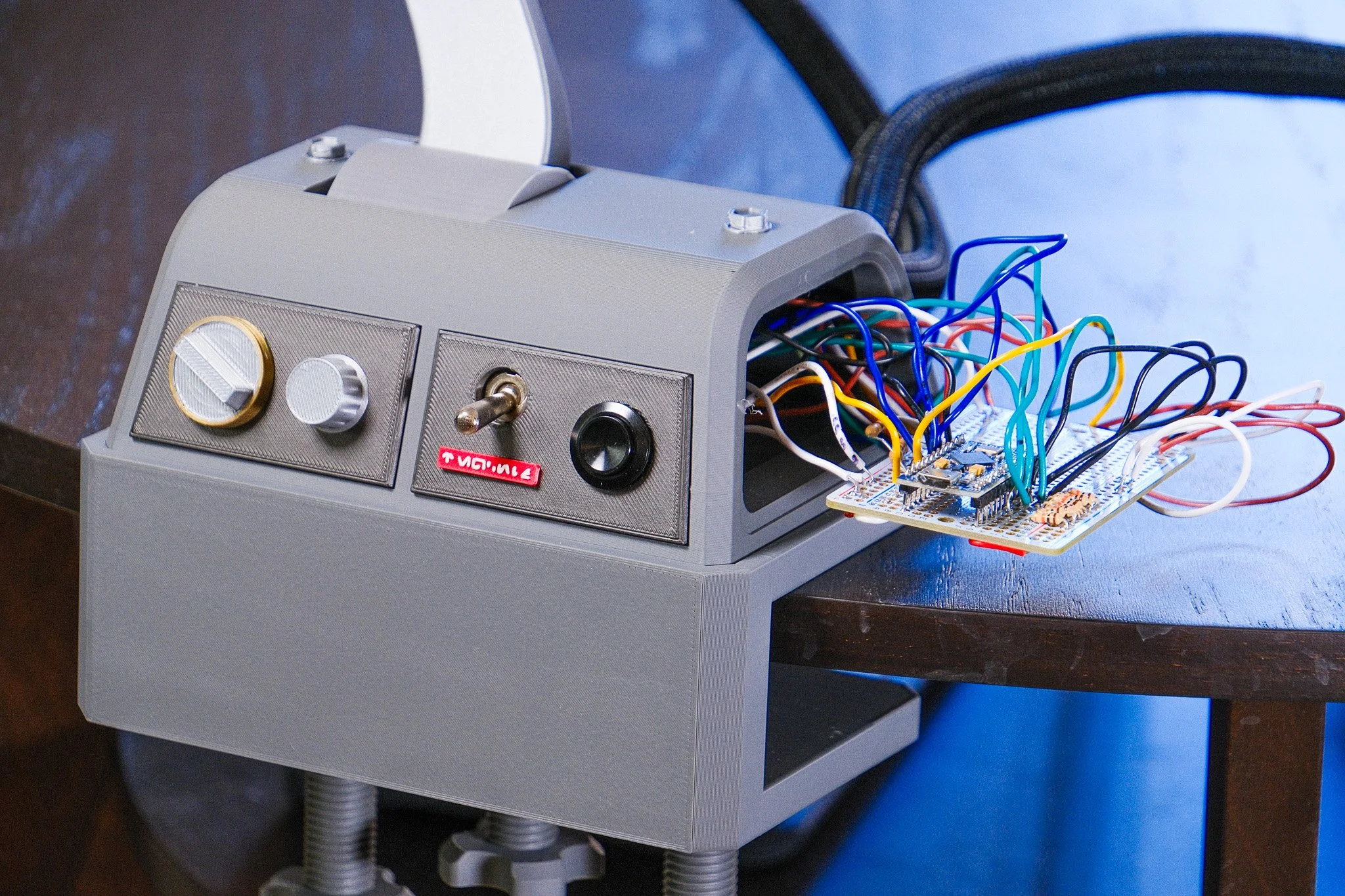
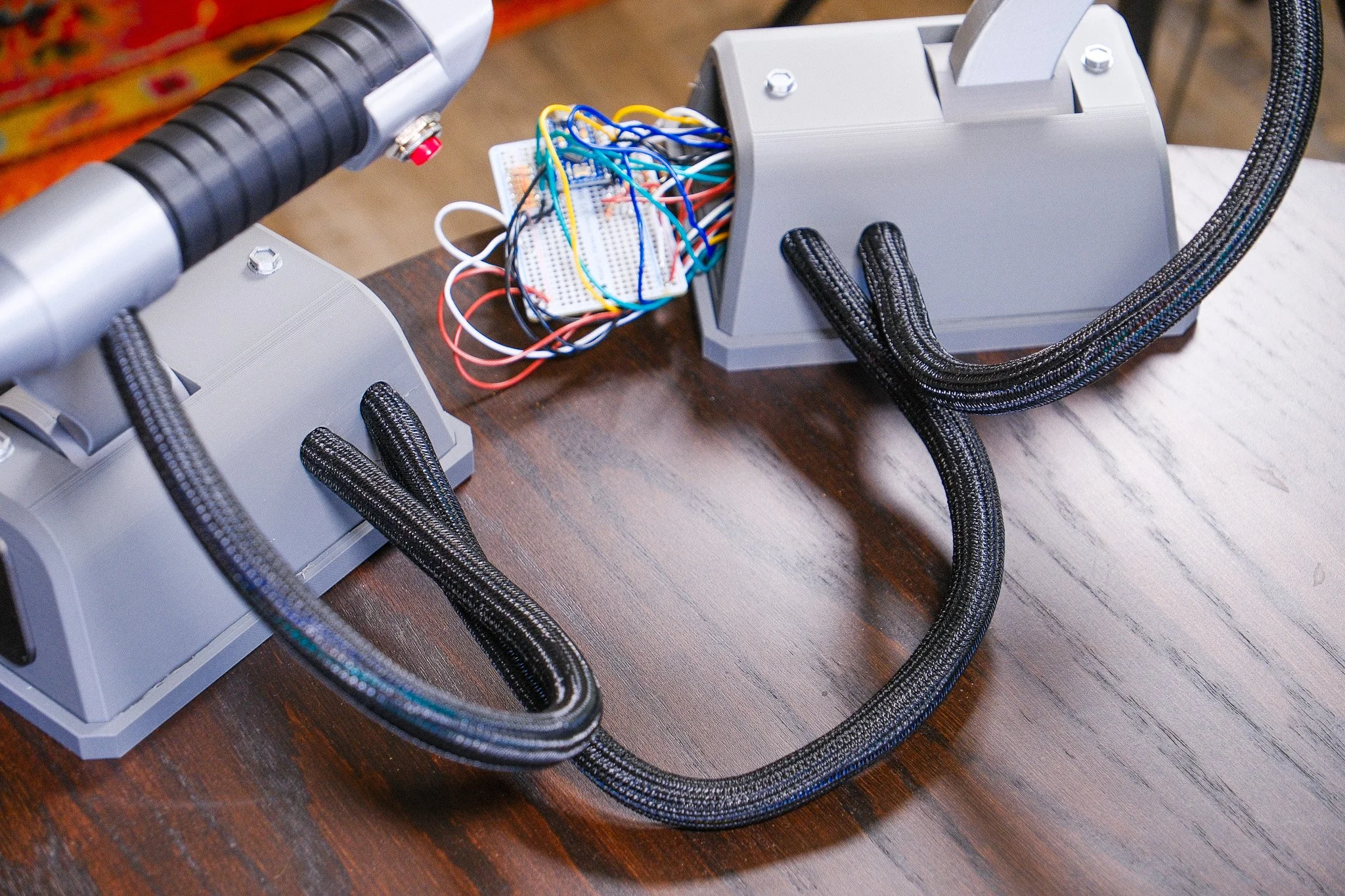
Exposed Wires
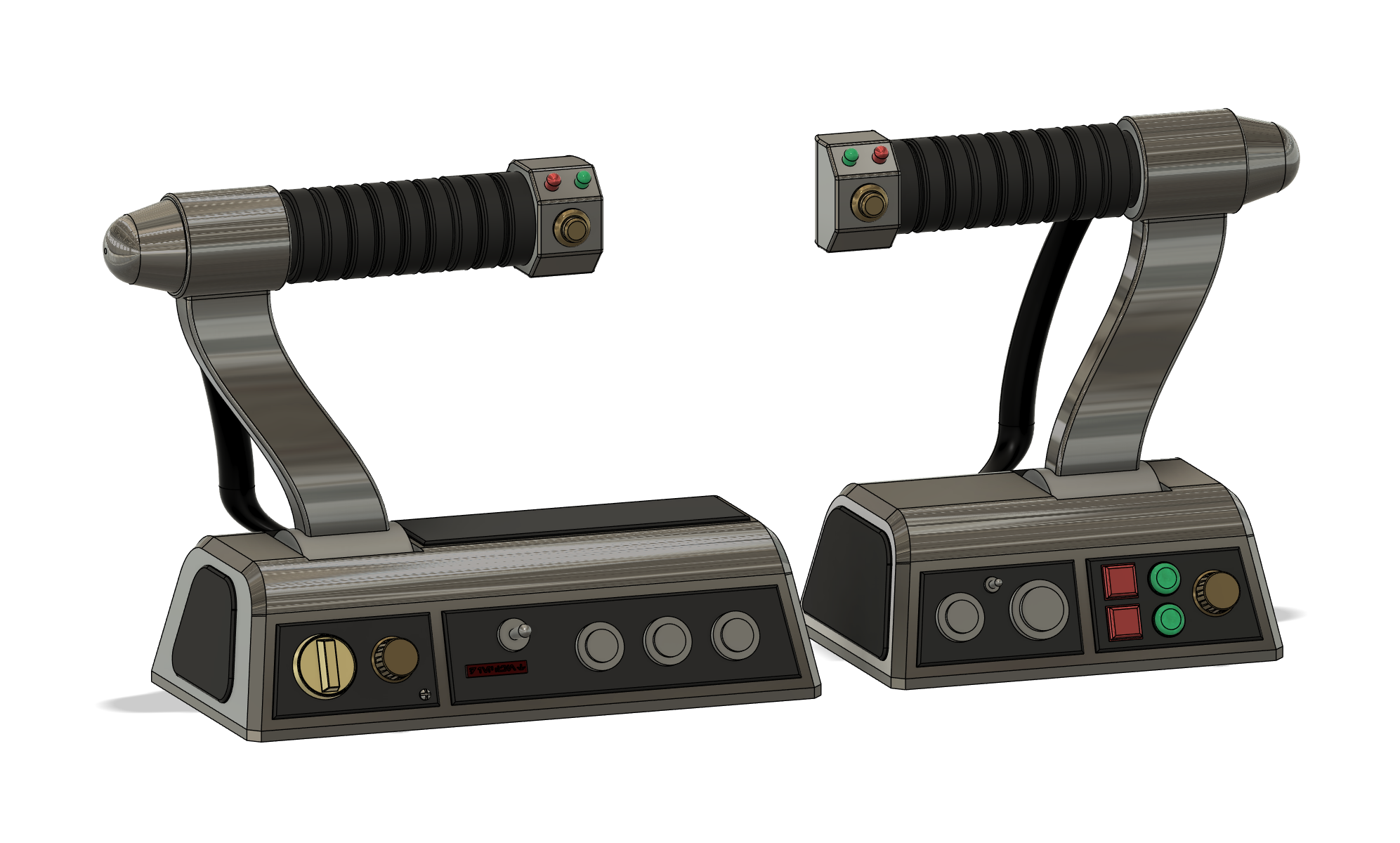
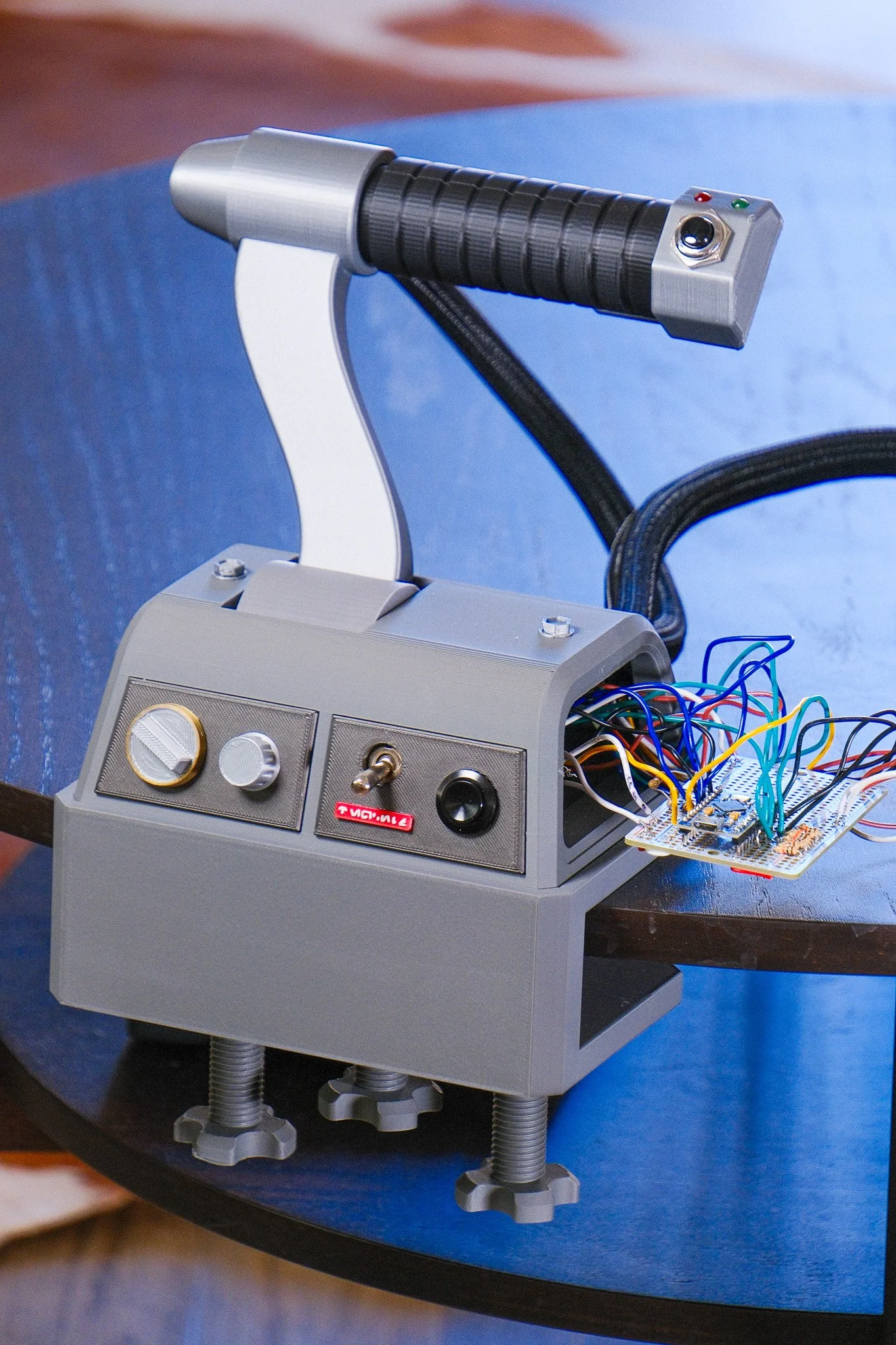
My build has an exposed microcontroller on the left base, not on purpose. I designed an extended left base for you and others to have more room to fit their microcontrollers into. Feel free to use either model for your design.
Caution
This is a custom DIY controller, so game compatibility depends on the game’s input support and the required third-party bridge software. If at any moment support for game inputs or the bridge software becomes obsolete, I cannot confirm the controller and instruction set will be valid if that happens. I do plan on supporting this build for the future, so any updates to the file set can be downloaded in the future after your purchase.
It is not a universal plug-and-play controller, but it can be used for other games and functions.
ADDITIONAL INFORMATION
Any updates & improvements will be free if you have already purchased this premium STL.
This file is intended for private use only - please do not use for commercial use
Please let me know if you have any questions - linsdinner@gmail.com